In this guide
💡 The Short Version: An eSIM gives your phone instant mobile data the moment your flight touches down at Incheon or Gimpo. Having continuous mobile internet is critical because Google Maps does not provide turn-by-turn walking directions in South Korea, making local navigation apps like Naver Map and KakaoMap essential. SK Telecom (SKT) and KT (Korea Telecom) operate the leading networks, delivering rapid 5G connections even across deep subterranean subway lines. Choose between a data-only international travel eSIM (via Airalo or Nomad) or a local carrier tourist plan (KT or SK Telecom via Klook) that provides an incoming 010 telephone number for restaurant table queue apps like CatchTable. Verify that your handset is carrier unlocked before departing.
Why mobile data is essential in South Korea
Unlike most international destinations where Google Maps suffices for walking directions, South Korea’s strict spatial data security regulations—governed under the Ministry of Land, Infrastructure and Transport—prohibit exporting high-resolution domestic mapping data to foreign servers. As a consequence, Google Maps provides public transit times but cannot calculate turn-by-turn pedestrian routing.
To navigate Seoul, travellers must run Korean mapping applications:
- Naver Map: The gold standard for visitors. Provides comprehensive English-language search, walking routes with pedestrian underpass exits, bus arrivals, and real-time subway car recommendations.
- KakaoMap: Excellent English-language vector mapping with detailed terrain topography and cycling routes.
- Kakao T: The essential taxi-hailing and bike-sharing app across South Korea. Accepts international credit cards and links directly with official metered municipal taxis.
- CatchTable and Tabling: Digital restaurant reservation and queue platforms used by popular dining spots in Hongdae, Seongsu, and Gangnam. These services frequently require a Korean mobile number or active data connection to receive SMS arrival alerts.
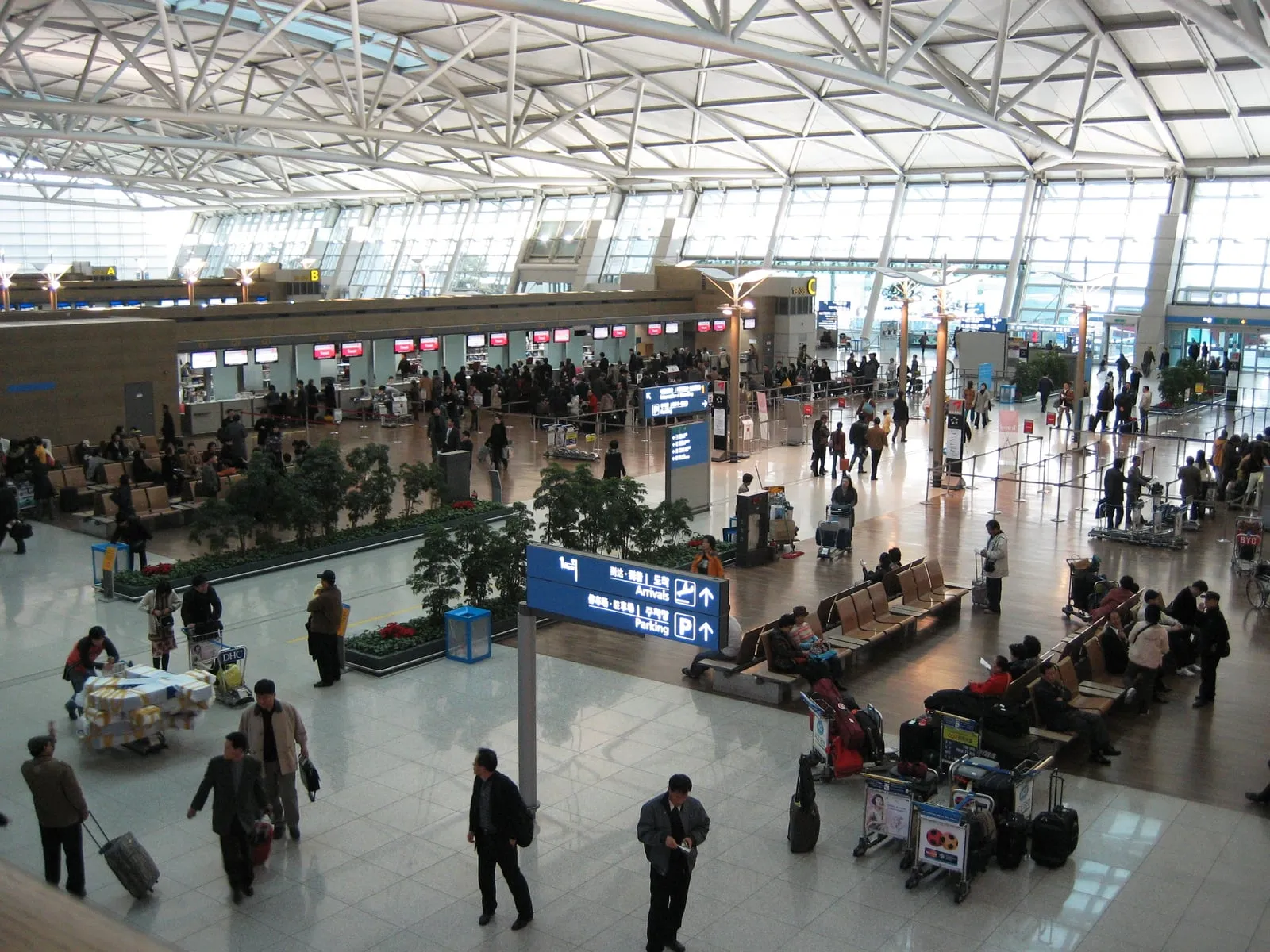
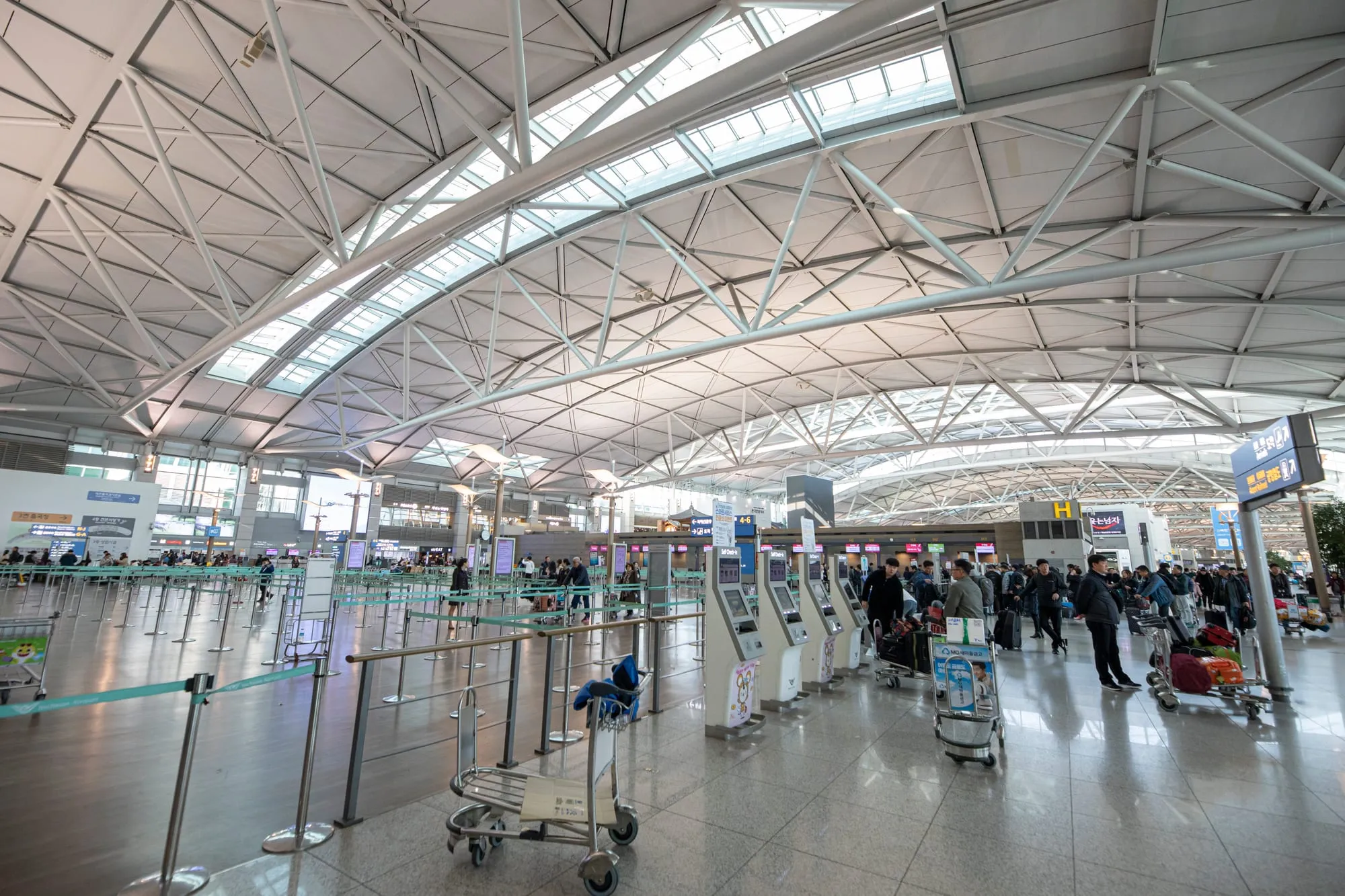
The departure hall at Incheon International Airport. Photo: Incheon International Airport Corporation, Wikimedia Commons, CC BY-SA 4.0.
Connectivity options compared
Visitors landing in South Korea have three primary mobile connectivity choices:
| Option | Best for | Typical cost | Voice / SMS | Setup requirements |
|---|---|---|---|---|
| International travel eSIM (Airalo, Nomad) | Solo travellers seeking immediate data on landing | ₩7,000–₩35,000 (1 GB to 20 GB) | Data only (no local number) | Digital QR installation; requires unlocked phone |
| Local carrier tourist eSIM (KT, SKT, LG U+) | Travellers wanting unlimited 5G data and incoming 010 number | ₩6,600 (1 day) to ₩38,500 (10 days) | Incoming calls/texts included (010 number) | Passport identity verification; QR activation |
| Physical SIM card (Airport pickup) | Older devices without eSIM hardware | ₩27,500 (5 days) to ₩38,500 (10 days) | Incoming calls/texts included | Swapping physical SIM tray; passport registration |
| Pocket Wi-Fi router (‘Wi-Fi Egg’) | Small families or groups sharing a single connection | ₩3,300–₩5,500 per day | Data only via shared Wi-Fi | Daily battery charging; requires security deposit |
Major Korean telecommunication networks
South Korea’s mobile telecommunications sector, overseen by the Ministry of Science and ICT, is dominated by three nationwide infrastructure operators:
- SK Telecom (SKT): The largest network operator, commanding over 40% national market share. SKT offers exceptional network density, fastest download speeds across highway corridors, and comprehensive 5G subterranean coverage throughout all 23 Seoul Metropolitan Subway lines.
- KT (Korea Telecom): The former state telecommunications utility. KT maintains vast nationwide optic infrastructure, running robust urban cellular arrays and operating extensive public Wi-Fi access points (KT GiGA WiFi) in train stations and shopping complexes.
- LG U+ (LG Uplus): The third national provider, known for competitive unlimited data packages and excellent urban data performance.
Technical frequencies and bands
If you are checking your smartphone’s technical specifications for compatibility with South Korean cellular towers, verify support for the following radio bands:
- 5G New Radio (NR): Band n78 (3.5 GHz) represents South Korea’s primary nationwide high-capacity 5G frequency.
- 4G LTE: Band 1 (2100 MHz), Band 3 (1800 MHz, SKT & KT primary), Band 5 (850 MHz, SKT primary), Band 7 (2600 MHz, LG U+), and Band 8 (900 MHz, KT).
- 3G UMTS: Band 1 (2100 MHz). Note that 2G CDMA networks have been fully decommissioned across the country.
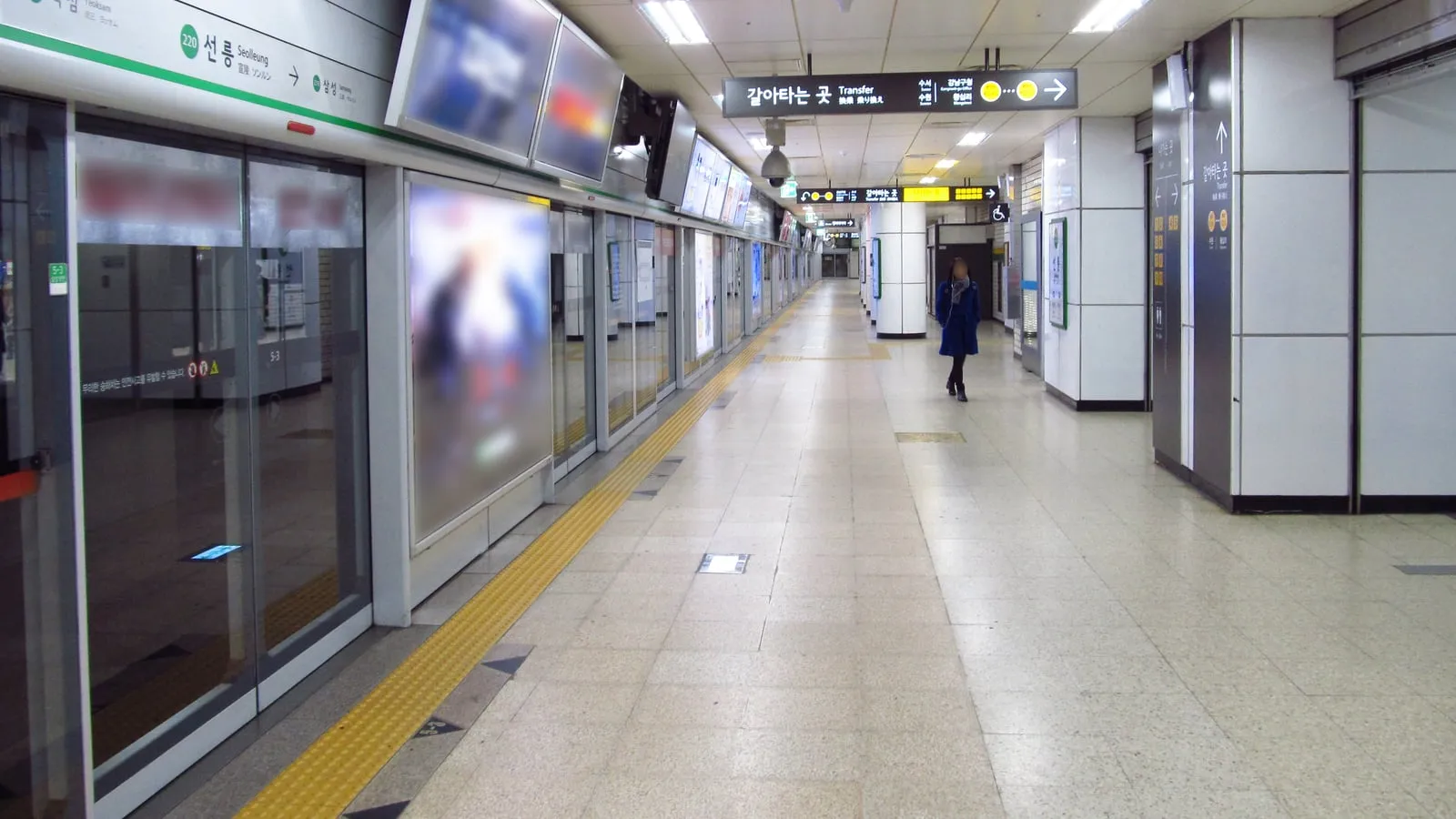
Platform screen doors and signs at Seolleung Station, Seoul Metro. Photo: Mtattrain, Wikimedia Commons, CC BY-SA 4.0.
Data-only eSIM versus local 010 phone number
One critical distinction when selecting an eSIM for Seoul is whether you need an incoming telephone number:
Data-only travel eSIMs
Global roaming eSIM profiles purchased through platforms like Airalo, Nomad, Maya Mobile, or Ubigi provide instant, affordable data packages without requiring passport identity validation. They route internet traffic through international roaming gateways (often via Hong Kong or Singapore). While perfectly adequate for web browsing, navigation apps, and messaging platforms like WhatsApp or KakaoTalk, they do not include a local telephone number.
Local carrier tourist eSIMs with 010 numbers
Tourist plans provided directly by KT, SK Telecom, or LG U+ provide a registered South Korean phone number starting with the domestic prefix 010:
- Restaurant queues: High-demand restaurants in trendy neighbourhoods like Seongsu-dong and Yeonnam-dong operate automated tablet kiosks at their entrances. To reserve a table, you must key in an active Korean mobile number. You receive an automated SMS text message when your table is 5 minutes from being seated.
- Delivery apps and bookings: While full food delivery apps (like Baedal Minjok) require local resident registration numbers (RRN), select concierge ordering tools and local activity bookings operate smoothly with an active 010 incoming line.
- Identity verification: Under South Korean telecommunications law, purchasing a plan with an assigned telephone number requires uploading a clear photograph of your physical passport information page during digital checkout or at the airport carrier counter.
Phone compatibility and carrier unlock requirements
Before purchasing an eSIM for South Korea, verify two critical hardware criteria:
- Carrier SIM unlock: Your handset must be completely unlocked from your home network provider. If your phone is locked on a multi-year monthly contract, it will reject foreign eSIM profile installations. Contact your home carrier to request an international device unlock prior to departure.
- eSIM hardware capability:
- Apple: iPhone XS, XS Max, XR, and all models in the iPhone 11, 12, 13, 14, 15, and 16 families support eSIM profiles. Handsets manufactured specifically for the mainland China market (as well as select dual-SIM models sold in Hong Kong and Macau) feature two physical SIM trays and do not support digital eSIMs.
- Samsung: Galaxy S20, S21, S22, S23, S24 series; Note 20 series; Z Fold and Z Flip models (excluding specific regional variants sold in China).
- Google: Pixel 3, 3a, and all subsequent Pixel iterations (Pixel 4 through 9).
Airport collection and installation steps
If purchasing an eSIM online in advance, installation is straightforward:
- Pre-departure installation: Complete your purchase online and scan the generated QR code from your phone’s settings menu (
Settings > Cellular / Mobile Data > Add eSIM) while connected to your home Wi-Fi network before boarding your flight. Label the new profile ‘Korea’. - Landing activation: Upon touchdown at Incheon Airport or Gimpo Airport, turn off your home SIM’s data roaming, switch your Cellular Data line to your Korean eSIM profile, and enable Data Roaming on that specific profile. Restart the device if initial network registration takes longer than three minutes.
- Airport counter support: If you encounter installation errors or prefer in-person activation, telecommunications desks for KT, SK Telecom, and LG U+ operate in the arrivals halls of Incheon Airport Terminal 1 (Gates 6–7 and 10–11) and Terminal 2 (between Gates 2 and 3). Staff speak English and configure eSIM profiles or physical SIM cards on the spot.
Once connected to data, consult our guide on how to get from Incheon Airport to central Seoul to navigate the AREX express train, pick up your transit card with our Seoul public transport guide, and review money and ATM withdrawal rules in Seoul before heading into town.
Common questions
Do I need an eSIM or mobile data in Seoul?
Yes. Having reliable mobile data is essential in South Korea because Google Maps does not provide turn-by-turn walking directions due to national spatial data security laws. Travellers rely on Naver Map, KakaoMap, and Kakao T for navigation, subway routing, and taxi hailing.
Which mobile network in South Korea is best for tourists?
SK Telecom (SKT) and KT (Korea Telecom) provide the fastest speeds and the most reliable underground reception across deep Seoul Metropolitan Subway stations. LG U+ is the third national operator and offers competitive unlimited data tourist packages.
Does a South Korea eSIM give you a local phone number?
Global travel eSIMs from providers like Airalo and Nomad offer data only (no Korean phone number). Local carrier tourist plans from KT and SK Telecom booked via platforms like Klook or at Incheon Airport include an incoming 010 mobile number, which is useful for receiving table waitlist notifications at popular restaurants.
Which phones support an eSIM for South Korea?
An unlocked handset is mandatory. Apple iPhone XS, XR, and later models (excluding dual physical nano-SIM models manufactured for mainland China, Hong Kong, and Macau), Google Pixel 3 and newer, and Samsung Galaxy S20 and later models support eSIM profiles.