In this guide
💡 The Short Version: An eSIM is a digital SIM profile downloaded straight to your smartphone, eliminating the need to physically open SIM trays or queue at airport kiosks. It requires an unlocked phone (iPhone XS/XR or newer, or compatible Android). Install the profile over home Wi-Fi before your flight, and toggle mobile data to the eSIM line upon landing at Changi Airport. Providers like Nomadad connect directly to Singtel and StarHub 5G/4G networks with plans ranging from 1 GB to 50 GB or fixed-day unlimited data. Or book a tour: If your phone is locked or lacks eSIM capability and you prefer a physical prepaid tourist SIM collected upon landing, book an M1 4G/5G Singapore Tourist SIMad.
⚠️ Ensure your mobile handset is carrier-unlocked before purchase. If your phone was bought on an ongoing mobile contract from a domestic telecom provider, it may be software-locked to that carrier’s network. Check your device settings (iOS: Settings > General > About > Carrier Lock; Android: Settings > Connections > Network) to verify “No SIM restrictions” before purchasing any travel eSIM.
How eSIMs work in Singapore
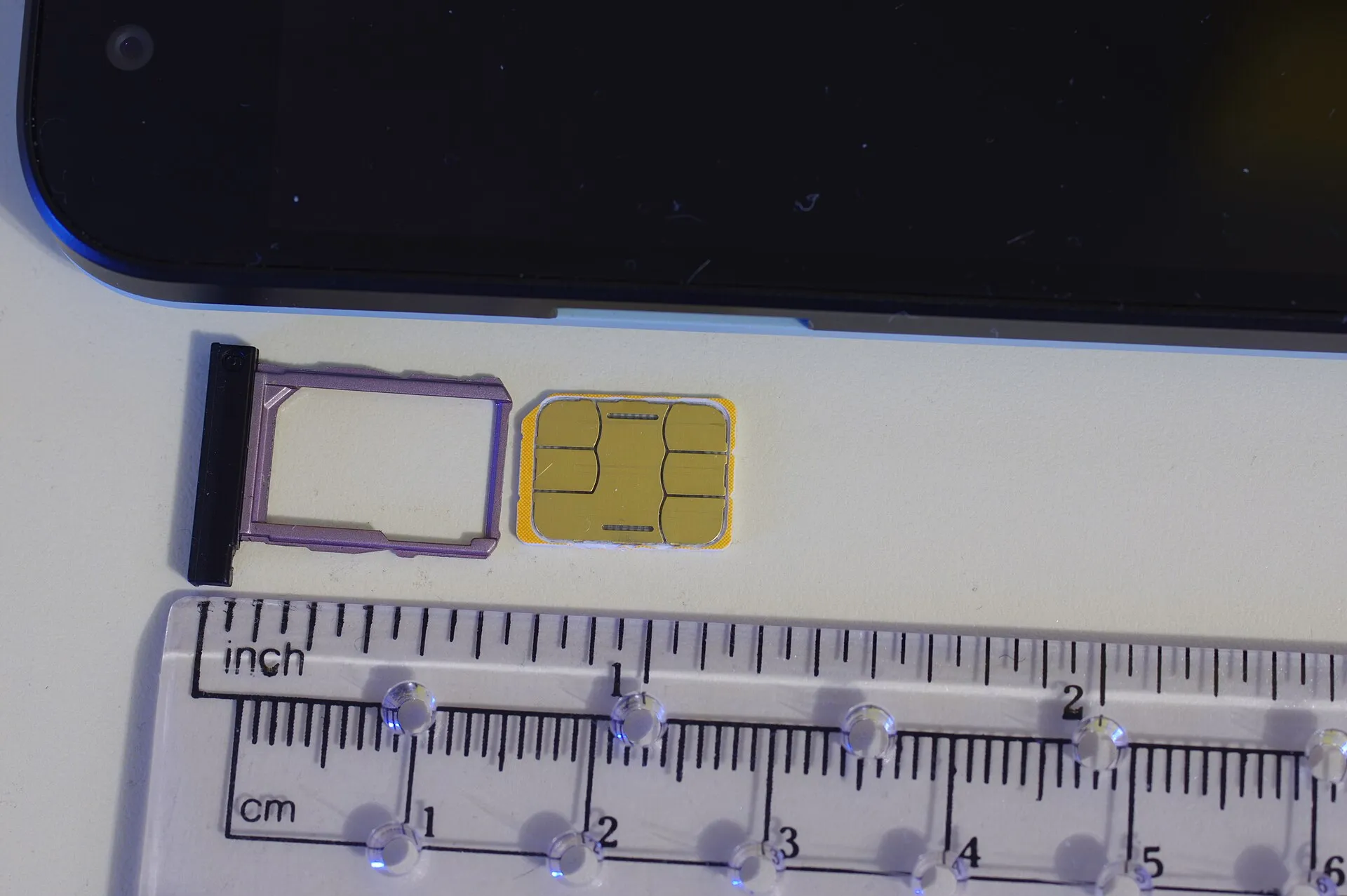
An eSIM (embedded Subscriber Identity Module) is a microchip soldered permanently inside your smartphone’s circuit board. Rather than inserting a physical plastic nano-SIM card, you install a digital operator profile by scanning a QR code or downloading a profile via an app.
Modern smartphones operate dual-SIM standby: your primary home physical SIM or home eSIM remains active to receive bank authentication codes (SMS one-time passwords) and emergency calls, while the travel eSIM handles 100 per cent of mobile data roaming, avoiding punitive roaming tariffs from your domestic carrier.
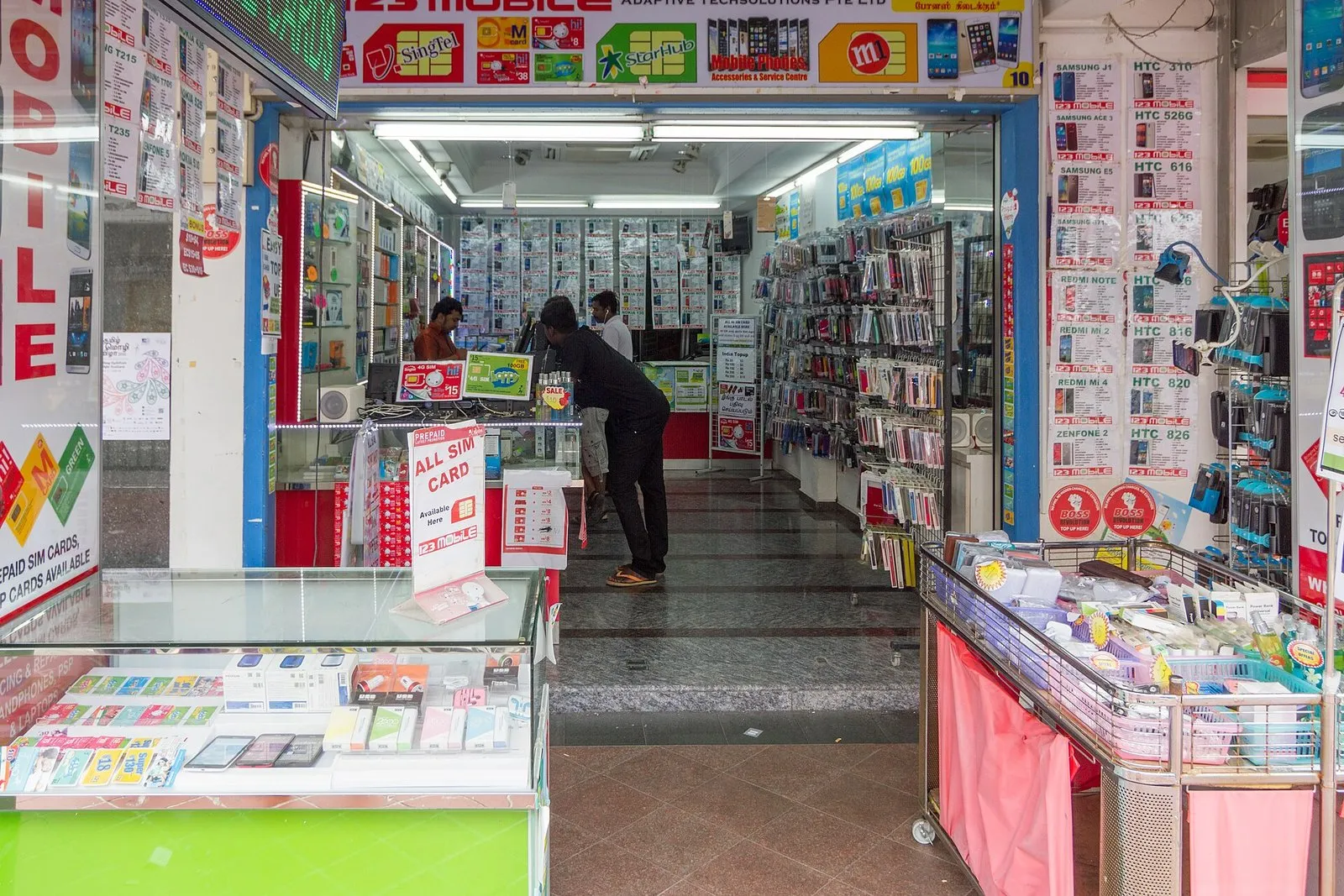
A mobile phone shop selling SIM cards in Singapore. Photo: Maksym Kozlenko, Wikimedia Commons, CC BY-SA 4.0.
Singapore mobile networks and coverage
Singapore possesses one of the world’s most advanced digital telecommunications infrastructures, with over 95 per cent national population 5G coverage achieved through nationwide standalone 5G rollouts overseen by the Infocomm Media Development Authority (IMDA).
| Network provider | Market share & infrastructure | Underground MRT coverage | Best for |
|---|---|---|---|
| Singtel (Singapore Telecommunications) | National flagship carrier; broadest 5G Standalone and 4G LTE coverage across the island | Flawless 5G/4G coverage in all deep MRT tunnels and underground concourses | Maximum speed and reliability in congested downtown zones and Sentosa |
| StarHub | Second largest operator; extensive joint-venture 5G network with high urban throughput | Comprehensive coverage across all MRT lines and stations | Heavy streaming and urban navigation |
| M1 | Established mobile operator with strong island-wide 4G/5G coverage | Robust MRT tunnel connectivity and suburban residential coverage | Cost-effective tourist SIM packages and solid city reception |
| SIMBA (formerly TPG) | Fourth mobile network; competitive low-cost 4G/5G rollout | Solid above-ground coverage; occasional gaps in deep transit basements | Budget prepaid allocations |
Most reputable international travel eSIMs (such as Nomad and Saily) partner with Singtel or StarHub, automatically switching between the strongest local cell towers as you move between high-rise financial canyons and suburban MRT lines.
Travel eSIMs vs physical prepaid SIM cards
Visitors to Singapore can choose between digital eSIMs installed prior to departure and physical plastic SIM cards collected at Changi Airport or convenience stores.
| Feature | International Travel eSIM (Nomad / Saily) | Physical Singapore Prepaid SIM (M1 / Singtel) |
|---|---|---|
| Purchase & Setup | Purchased online; installed in 2 minutes via QR code before flying | Queued for and collected at airport terminal arrival desks or 7-Eleven |
| Passport Registration (KYC) | No passport scan required for data-only international roaming profiles | Mandatory passport scan and fingerprint check under Singapore IMDA law |
| Phone Number | Data-only (calls via WhatsApp, FaceTime, Skype) | Local Singapore +65 phone number with local talktime and international minutes |
| Hardware Compatibility | Requires eSIM-compatible, unlocked handset | Works in any unlocked smartphone with a physical nano-SIM slot |
| Dual SIM Flexibility | Keep home SIM active in primary tray for bank OTP SMS messages | Must remove home SIM unless your handset has dual physical SIM slots |
| Multi-country Border Crossing | Regional plans cover Singapore, Malaysia, and Indonesia seamlessly | Singapore-only plans stop working immediately upon crossing Malaysian border |
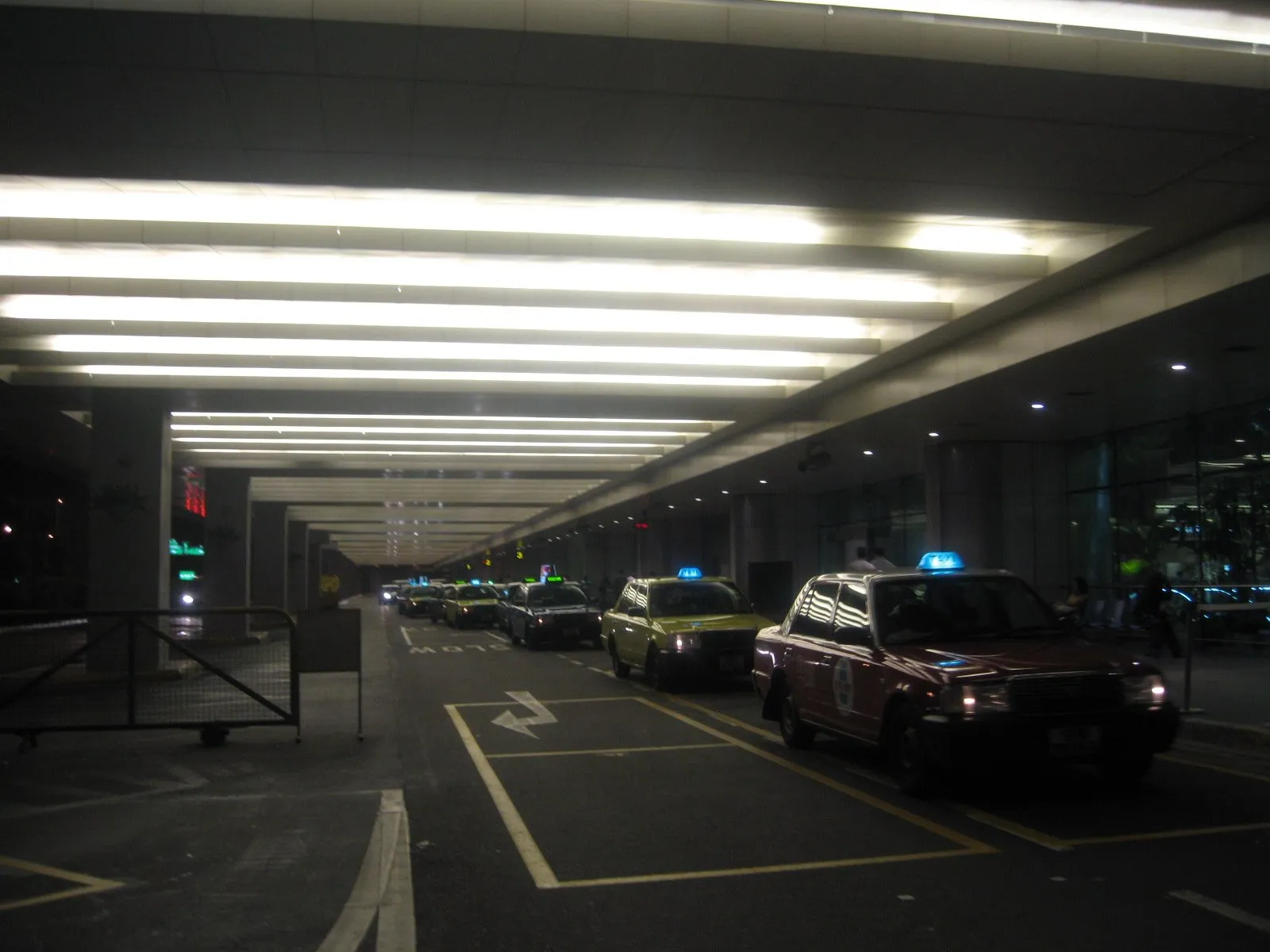
The taxi driveway outside Changi Airport Terminal 2 arrivals. Photo: Terence Ong, Wikimedia Commons, CC BY 2.5.
Comparing the top Singapore eSIM providers
Because providers charge in your home billing currency (USD, GBP, EUR, AUD), exact local conversions fluctuate with foreign exchange rates. Always review the data allowance, speed caps, and validity duration prior to payment.
| Provider | Partner network in Singapore | Plan options and durations | Key features |
|---|---|---|---|
| Nomadad | Singtel & StarHub (5G/4G) | Fixed: 1 GB (7 days); 3, 5, 10, 20, 50 GB (30 days); Unlimited: 1 to 10 days | Fast 5G connectivity, mobile hotspot allowed, clean iOS/Android app top-ups, starts upon manual activation |
| Sailyad | Leading local networks | 1 GB (7 days); 3, 5, 10, 20 GB (30 days) | Developed by NordVPN team, automatic activation on arrival, intuitive privacy-focused interface |
| Klookad | Singtel / StarHub / M1 | 1 GB to 30 GB; daily high-speed resets | Instant voucher delivery, multi-country Southeast Asia bundles |
| Airalo | Singtel | 1 GB (7 days); 2, 3, 5, 10, 20 GB (30 days) | Established global brand, reliable Singtel local connection, loyalty credit system |
For travellers taking day trips to Johor Bahru (Malaysia) or Batam/Bintan (Indonesia), consider purchasing a Southeast Asia regional eSIM (covering Singapore, Malaysia, Indonesia, Thailand, and Vietnam). A regional eSIM eliminates the hassle of purchasing separate profiles for cross-border day excursions.
Physical tourist SIM alternatives
If your phone does not support eSIMs or is carrier-locked, purchasing a pre-registered physical tourist SIM upon landing at Changi Airport is straightforward.
M1 4G/5G Singapore Tourist SIM
From S$9 · 3.6 stars from 47 reviews · 15-day validity · Airport collection
Available for pre-order via GetYourGuide, the M1 Tourist SIM cardad provides 100 GB of local 4G/5G data, 500 minutes of local outgoing calls, 100 local SMS, and 20 minutes of international calls. Present your passport and mobile confirmation voucher at Changi Airport Terminal 1, 2, 3, or 4 arrival hall counters to collect and activate the physical SIM card.
Step-by-step installation and setup guide
Install your travel eSIM while connected to stable home Wi-Fi before boarding your flight to Singapore:
Installing on Apple iPhone (iOS)
- Go to Settings > Mobile Service (or Cellular).
- Tap Add eSIM (or Add Mobile Plan).
- Select Use QR Code and scan the activation QR code from your confirmation email, or choose to activate directly via the provider’s app.
- Label the new profile Travel or Singapore to distinguish it from your Primary home line.
- In the “Default Voice Line” setting, keep your Primary line selected so you remain reachable for banking SMS.
- Under “Mobile Data”, select your new Travel line, but keep Data Roaming turned OFF until you touch down in Singapore.
Installing on Android (Samsung Galaxy / Google Pixel)
- Navigate to Settings > Connections > SIM manager (or Network & internet > SIMs).
- Tap Add eSIM or Download SIM.
- Scan the QR code using your handset camera or enter the activation details manually.
- Rename the profile to Singapore Travel.
- Assign your primary home SIM for calls and SMS, and assign the travel eSIM as the designated data connection.
What to do upon landing at Changi Airport
- Switch off Airplane Mode.
- Go to your mobile network settings and ensure the Singapore Travel eSIM line is turned ON.
- Enable Data Roaming specifically for the travel eSIM line.
- Verify that Data Roaming remains switched OFF on your home SIM to prevent unexpected roaming fees from your home carrier.
- Within 30 to 60 seconds, your phone will register with Singtel or StarHub, displaying 4G or 5G signal bars.
Practical tips for mobile data in Singapore
- Public Wi-Fi: The Singapore government operates Wireless@SGx, a free public Wi-Fi network available at MRT stations, libraries, government buildings, and community centres. However, public Wi-Fi can be patchy on moving trains, making an eSIM far more dependable.
- Essential Apps: Download and log into navigation and transport apps before flying: Google Maps, Citymapper, Grab (for private hire ride-hailing and food delivery), SimplyGo (to track public transit journeys and card balances), and the official Changi App.
- SG Arrival Card confirmation: Arriving travellers receive an automated digital visit pass (e-Pass) via email from the Immigration & Checkpoints Authority (ICA) immediately after passing through passport control gates. Having active mobile data ensures you can open and verify your permitted length of stay on your phone before exiting the arrivals hall.
Where next
With your mobile connectivity configured, review our Changi Airport to the city guide to select the best MRT or taxi option into downtown. The Singapore public transport guide details how SimplyGo contactless fares work on buses and trains. Submit your mandatory free SG Arrival Card within three days before landing, and read money in Singapore for cashless payment norms. If you are finalising accommodation, explore our neighbourhood recommendations in where to stay in Singapore.
Common questions
Do I need an eSIM for Singapore?
An eSIM is not legally required, but having instant high-speed mobile data from the moment your flight touches down at Changi Airport makes navigating the MRT, booking Grab ride-hailing rides, viewing electronic booking confirmations, and retrieving your SG Arrival Card e-Pass seamless without hunting for airport Wi-Fi.
Which phones support an eSIM for Singapore?
Apple iPhones from the XS, XS Max, and XR (2018) onwards support eSIMs, excluding physical dual-SIM handsets manufactured for mainland China, Hong Kong, and Macao. Most recent Samsung Galaxy S-series (S20 onwards), Google Pixel (Pixel 3a onwards), and recent Android flagship phones support eSIM technology. Handsets must be carrier-unlocked.
Which mobile networks do Singapore eSIMs use?
Travel eSIMs connect via roaming agreements with Singapore's premier national telecommunications networks: Singtel, StarHub, and M1. Singtel and StarHub offer the fastest 5G Standalone and 4G LTE coverage across the island, including deep subterranean MRT tunnels and offshore islands.
Does a travel eSIM come with a local Singapore phone number?
Most international travel eSIMs (from Nomad, Saily, and Klook) provide data-only connections without a local phone number. Voice calls and messaging function smoothly via data-based applications such as WhatsApp, FaceTime, Telegram, and Skype. Grab and airline apps verify accounts using your existing home number via SMS before departure.
Do I need to submit passport details to buy an eSIM?
International travel data eSIMs do not require passport verification under Singapore telecom regulations because they do not assign a local telephone number. In contrast, physical prepaid SIM cards purchased in Singapore require mandatory in-person passport registration under IMDA regulations.