In this guide
💡 The Short Version: Unless your home mobile plan includes US roaming at no extra cost, a prepaid USA eSIM is far cheaper than paying daily roaming charges ($6 to $12 a day on many international carriers). An eSIM is a digital data plan downloaded to an unlocked phone (iPhone XS/XR or newer, or a compatible Android). Saily sells USA data plans from $3.99 for 1 GB (7 days) to $13.99 for 5 GB (30 days) and $22.99 for 10 GB (30 days); Nomad prices similar tiers around $4 to $5 for 1 GB and $12 to $20 for 5 GB to 10 GB. Install the eSIM over Wi-Fi before boarding, and switch it on when you land at MIA or FLL.
⚠️ Check whether your phone is carrier unlocked before buying. A phone still locked to a home mobile contract will reject a travel eSIM at installation. On an iPhone, open Settings, General, About, Carrier Lock and look for “No SIM restrictions”.
Why mobile data helps on a Miami trip
Miami and Miami Beach spread across islands and mainland neighbourhoods linked by causeways, buses and rideshares. Having live 4G or 5G data from the moment you clear customs at MIA or FLL handles five everyday tasks:
- Rideshares and airport pick-ups: Requesting an Uber or Lyft from MIA’s Ground Level median or Fort Lauderdale Airport, and checking upfront prices against metered taxis (see airport to Miami Beach).
- Live transit tracking: Tracking the free Miami Beach Trolley on the Transit app, buying a $5.65 1-Day Pass in the GO Miami-Dade Transit or Token Transit app, and checking Metromover alerts (see public transport in Miami).
- Weather and storm radar: Watching live afternoon thunderstorm radar and beach-flag updates from May to November (see is Miami safe?).
- Digital tickets and restaurant queues: Showing mobile QR tickets for Vizcaya, Pérez Art Museum Miami, Brightline trains and Miami sports events, plus checking OpenTable or Resy tables.
- Road navigation on day trips: Running Google Maps or Apple Maps on the 3.5-to-4-hour drive down the Overseas Highway to Key West or out to Everglades National Park.
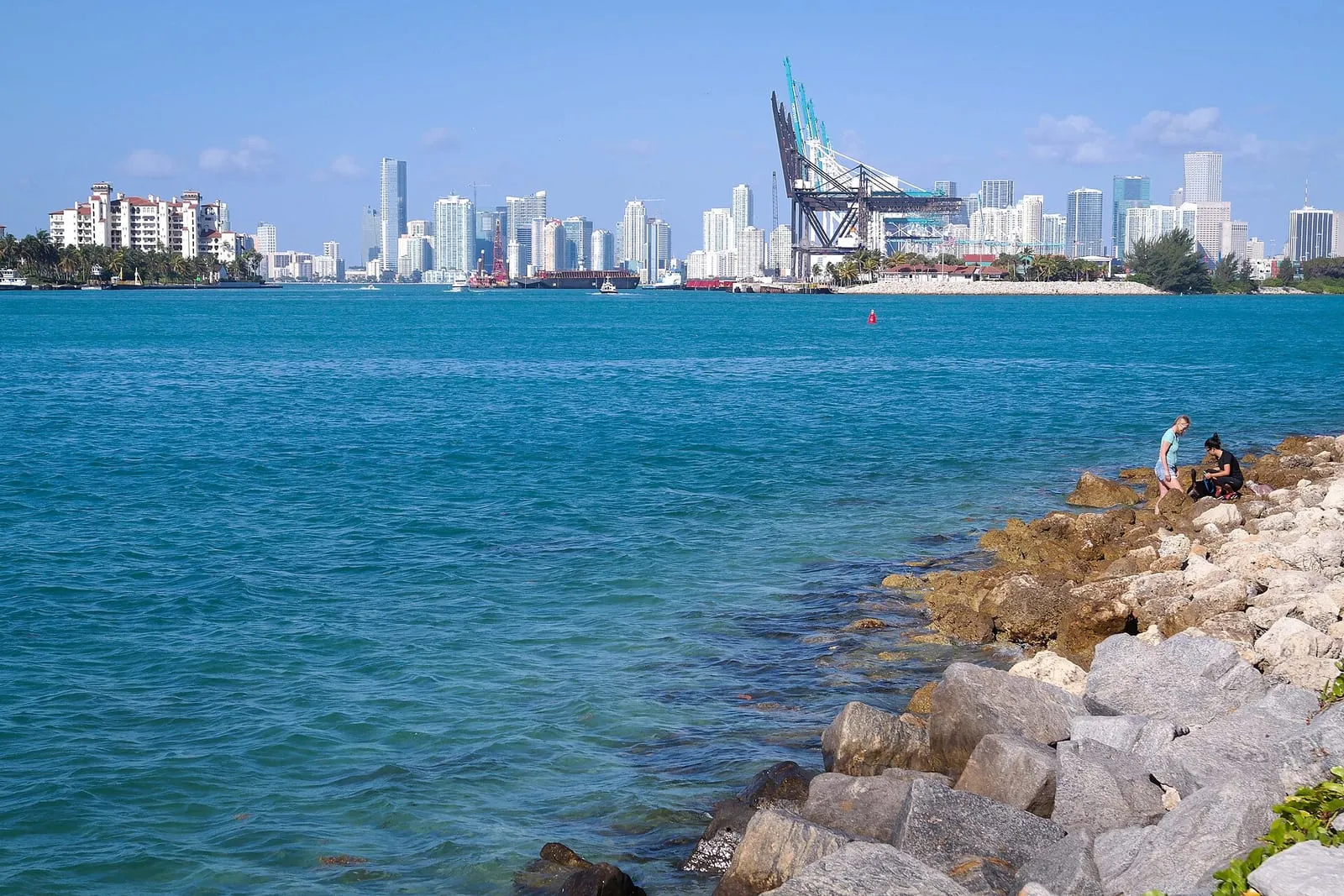
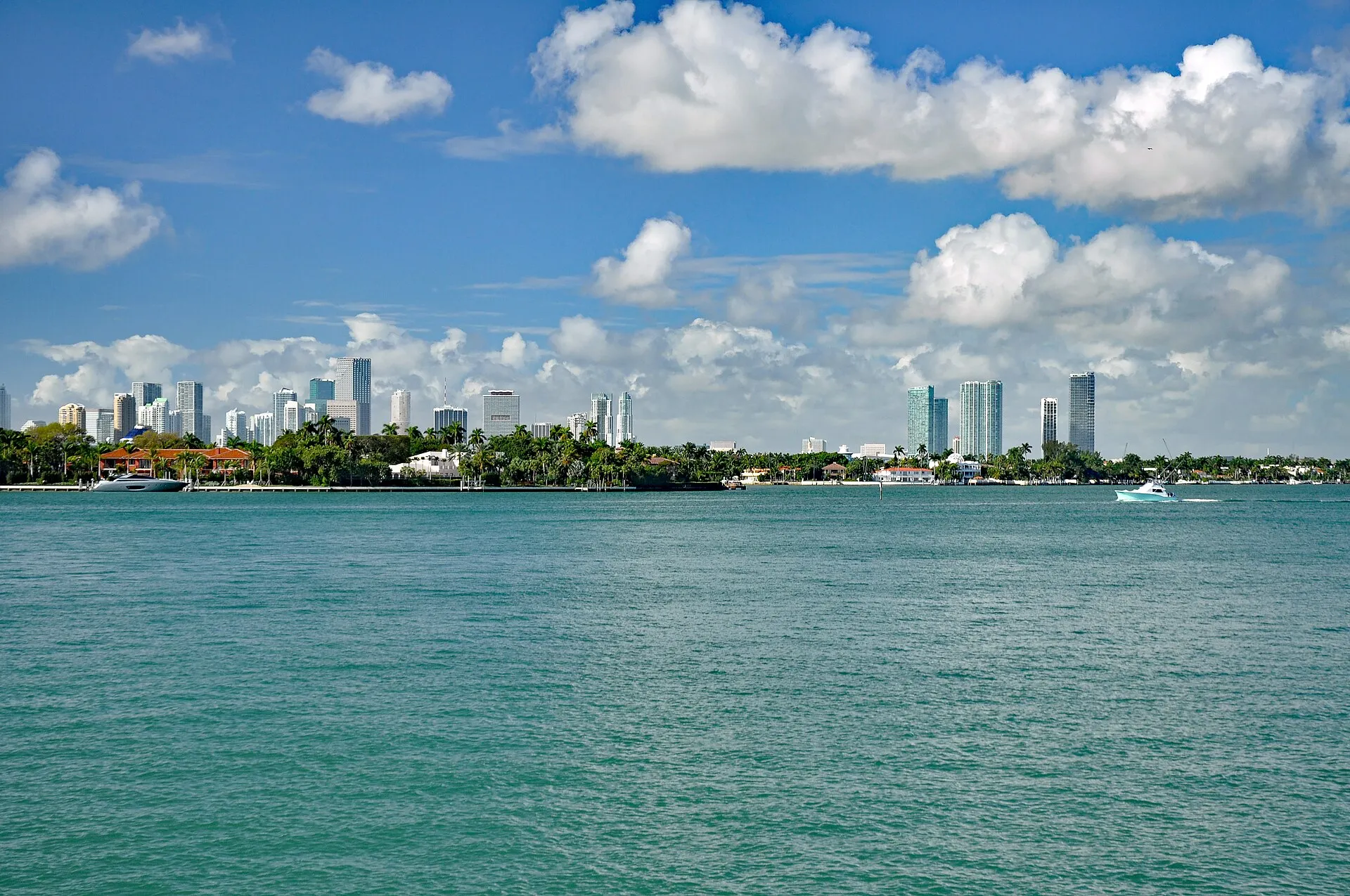
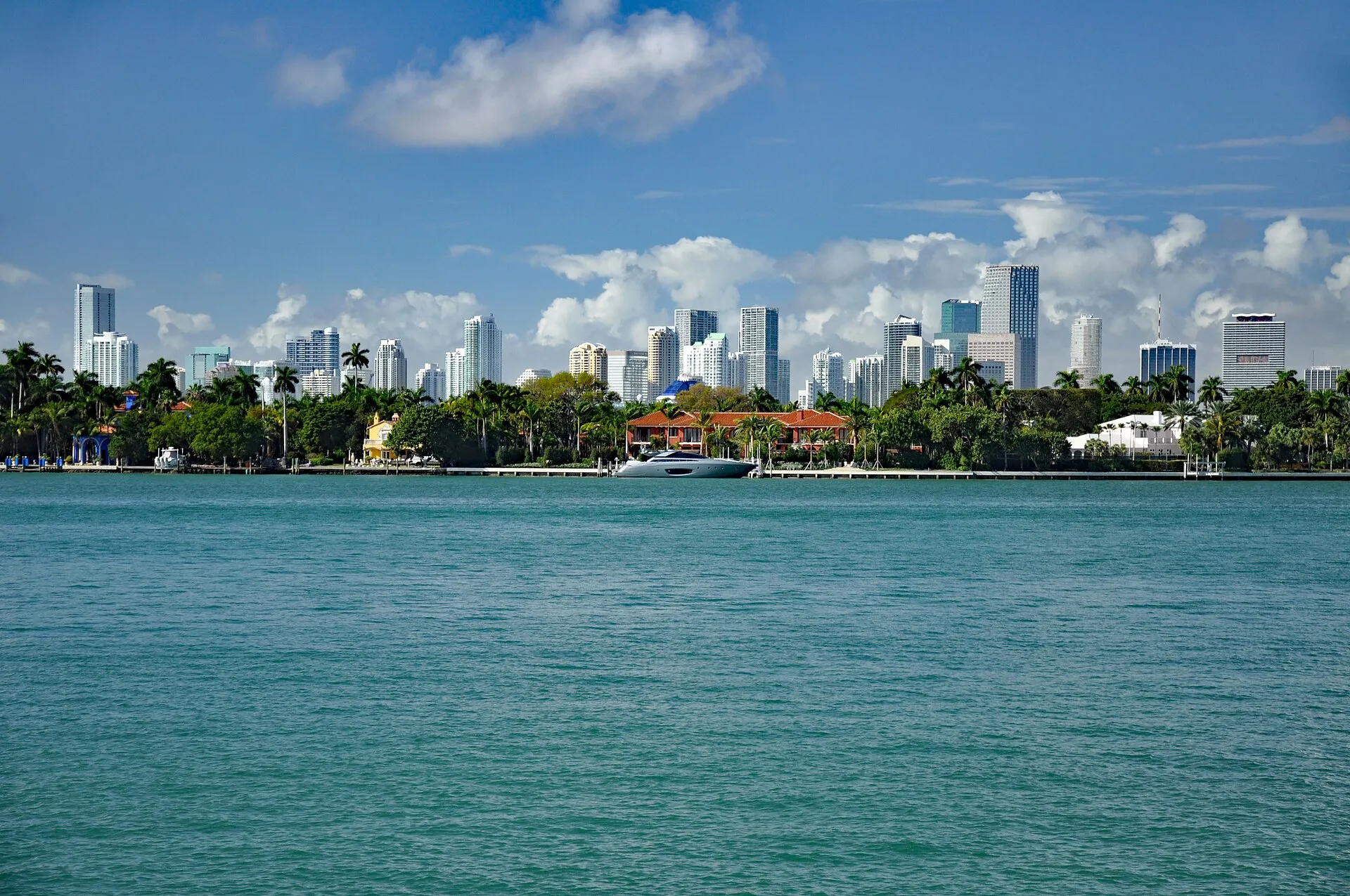 Brickell and Downtown Miami from Biscayne Bay. Photo: P. Hughes, Wikimedia Commons, CC BY 4.0.
Check your home roaming rules first
Before spending money on an eSIM, check whether your existing mobile plan already covers the United States:
- US domestic plans: Work across Florida with no roaming fees.
- Canadian plans: Many Canada-US plans from Rogers, Bell, Telus and Freedom Mobile include US data at home rates. Standard Canada-only plans charge a daily roaming fee (often around $10 to $14 USD equivalent per day), in which case a USA eSIM pays for itself by day two.
- UK, EU and Australian plans: Most standard UK, EU and Australian contracts treat the United States as a “Rest of World” or “Zone 1” destination and charge a daily pass fee whenever you send a text, answer a call or use background data. Exceptions exist on select top-tier tariffs (such as certain O2 Travel Inclusive or Three Go Roam plans on older terms), so check your network app before flying.
Seven days on a typical daily roaming pass costs $50 to $85 USD equivalent, compared with $9 to $14 USD for a 3 GB to 5 GB USA eSIM.
Which phones support an eSIM (and how to check)
An eSIM is a programmable chip built into your phone that stores a mobile plan digitally without swapping out your physical plastic SIM card (Apple eSIM Support). Your phone runs dual SIM: your home number stays in the background while the USA eSIM handles mobile data.
Device compatibility
- Apple iPhone: iPhone XS, XS Max, XR, 11, 12, 13, 14, 15, 16 series and iPhone SE (2nd and 3rd generation). iPhones sold in the US from the iPhone 14 onwards have no physical SIM tray at all and are eSIM-only. iPhones manufactured for mainland China (and some dual-physical-SIM models from Hong Kong and Macao) do not support eSIM.
- Google Pixel: Pixel 3a and all later models (Pixel 4 through Pixel 9 series).
- Samsung Galaxy: Global unlocked models of the Galaxy S20, S21, S22, S23, S24 series, plus Galaxy Z Flip and Galaxy Z Fold lines.
- Check your exact model: Both Saily’s supported devices list and Nomad’s compatible devices list let you verify regional Android variants before paying.
Confirming your phone is unlocked
- On iPhone: Go to Settings > General > About > Carrier Lock. It must read “No SIM restrictions”.
- On Android: Go to Settings > Connections (or Network & Internet) > Mobile Network > Network Operators and verify you can disable automatic selection, or check directly with your home carrier.
US mobile networks in Miami and South Florida
International travel eSIMs connect via roaming agreements to one or more of the three major US national networks:
| US Network | Urban coverage (Miami & Miami Beach) | Day trips (Everglades & Florida Keys) | Notes |
|---|---|---|---|
| AT&T | Strong 5G and 4G LTE across MIA, Downtown, Brickell and Miami Beach | Reliable along US-1 to Key West and park approaches | One of the main host networks for Nomad USA eSIMs |
| Verizon | Strong 5G and 4G LTE across Greater Miami and FLL | Broad rural coverage along highways and the Keys | Widely used for multi-carrier US travel eSIMs |
| T-Mobile | Fast urban 5G across South Beach, Wynwood, Brickell and airports | Solid along major corridors; patchier in remote wetlands | T-Mobile also sells its own prepaid tourist eSIM app in the US |
Note that inside Everglades National Park (especially along the main park road to Flamingo and at Shark Valley), all three networks have long stretches with zero signal. Download offline Google Maps for South Florida and the Florida Keys over hotel Wi-Fi before driving out.
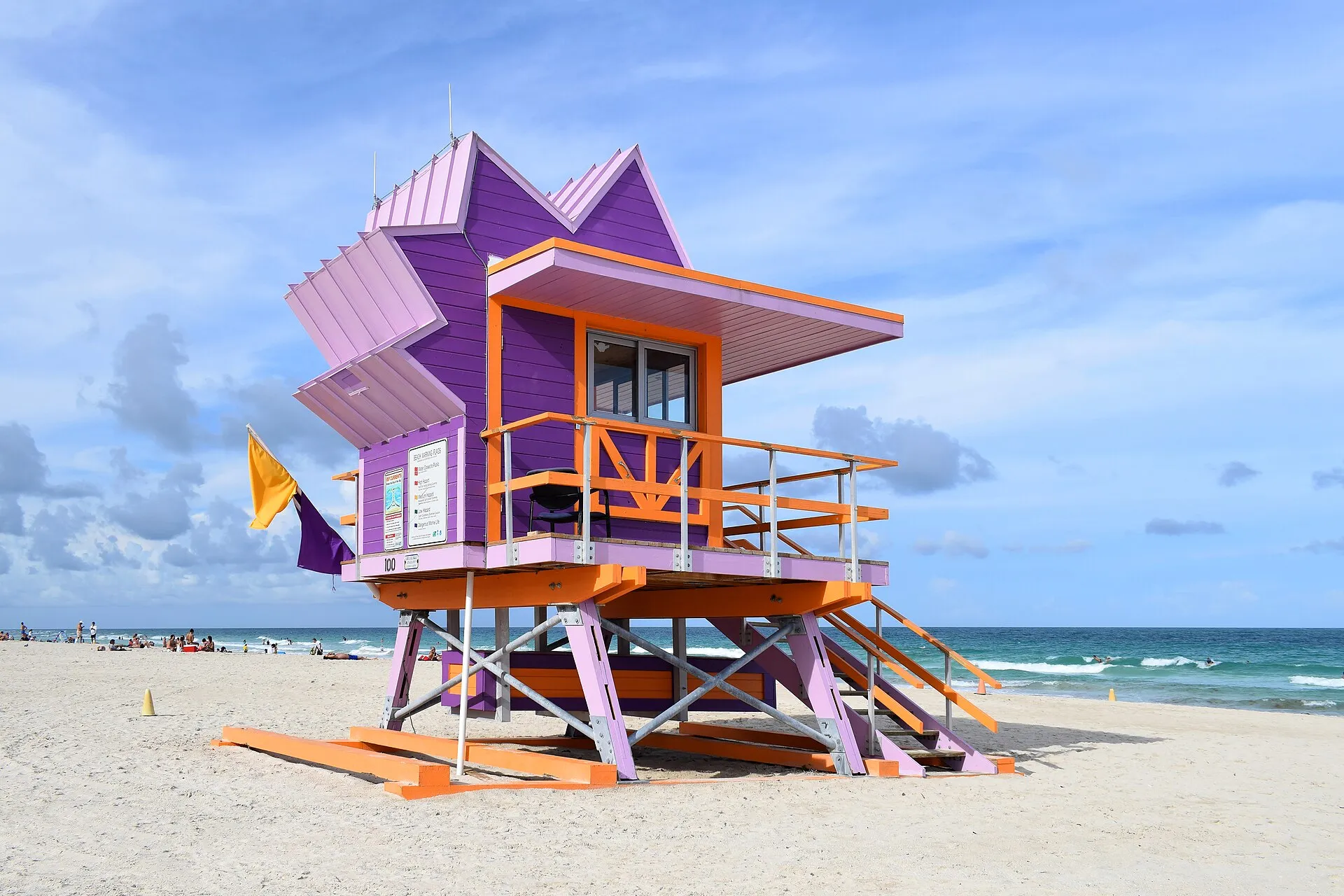
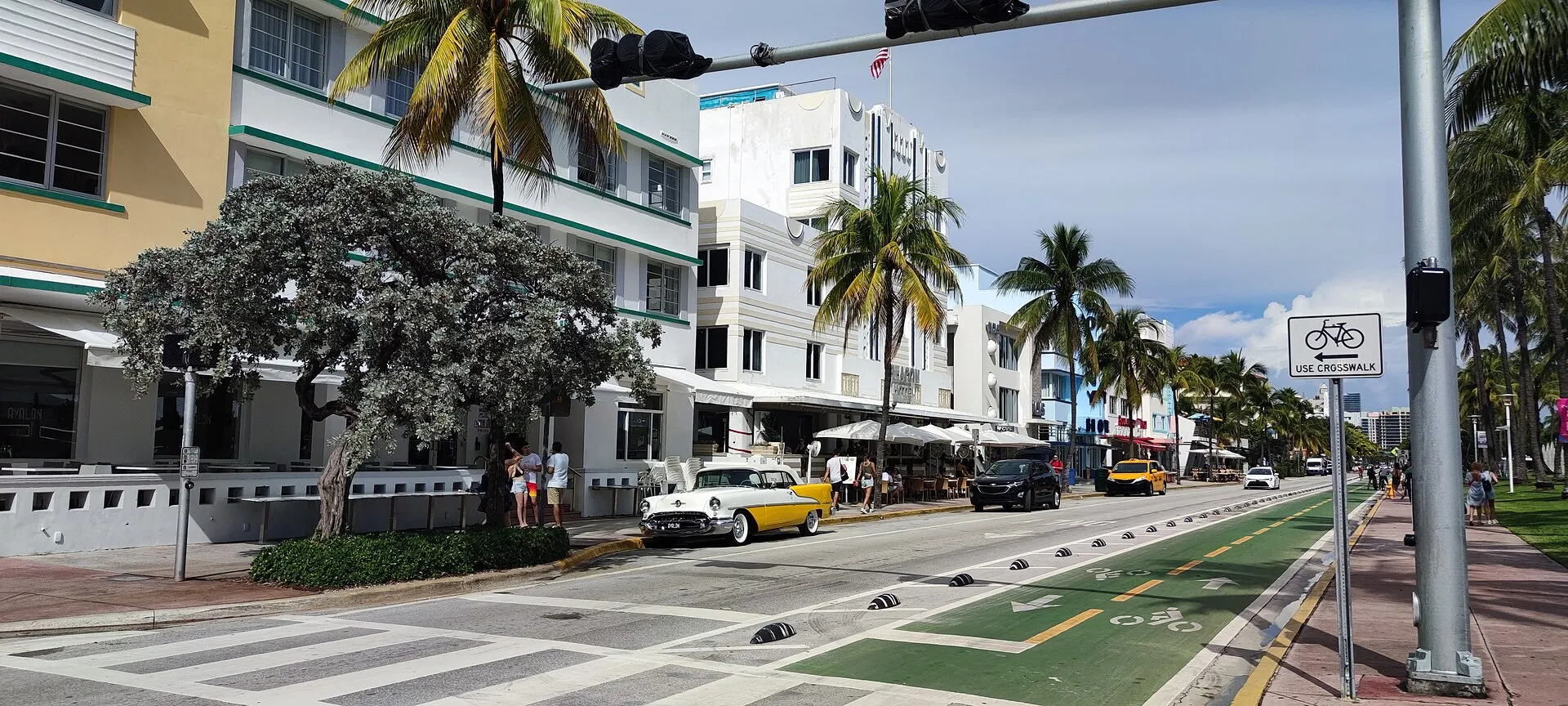 Ocean Drive in South Beach. Photo: Elbert Hampton, Wikimedia Commons, CC0.
USA eSIM plans and prices: Saily and Nomad
Two widely used global travel eSIM apps for the United States are Saily (built by the NordVPN team) and Nomad. Both price their USA plans in US dollars and operate on major US carriers.
| Data allowance & validity | Saily USA (USD) | Nomad USA (USD) | Good for |
|---|---|---|---|
| 1 GB, 7 days | $3.99 | $4.00 to $5.00 | Short 2-to-3-day stopover, maps and rideshares only |
| 3 GB, 30 days | $8.99 | $8.00 to $10.00 | 4-to-5-day city break with hotel Wi-Fi |
| 5 GB, 30 days | $13.99 | $12.00 to $15.00 | One-week Miami trip with maps, social and streaming |
| 10 GB, 30 days | $22.99 | $15.00 to $20.00 | Two-week Florida road trip or heavy photo uploads |
| 20 GB, 30 days | $36.99 | $30.00 to $35.00 | Remote work, hotspot tethering or longer US stays |
(Promotional discounts and unlimited-data tiers appear periodically in both apps; check live totals at checkout.)
Data-only vs local US carrier eSIMs
Both Saily and Nomad sell data-only plans: they do not include a US telephone number for traditional voice calls or SMS. For almost all visitors, data-only is enough because WhatsApp, FaceTime, iMessage and hotel booking apps work over data. If you specifically need a US voice number (for example, to call local businesses or make phone-only reservations), T-Mobile’s Prepaid eSIM app sells a 30-day US plan with a local phone number, unlimited calls/texts and data directly inside the app.
How much data do you actually need?
- 3 days in Miami: 1 GB to 3 GB covers Google Maps, Uber/Lyft, transit apps, WhatsApp messaging and browsing, assuming you back up photos on hotel Wi-Fi.
- 5 to 7 days (including a Key West or Everglades day trip): 5 GB gives comfortable headroom for live navigation, music streaming in a rental car and video calls.
- 10 to 14 days or tethering a laptop: 10 GB to 20 GB.
Both Saily and Nomad let you top up an existing eSIM inside the app without reinstalling a new profile if you run low.
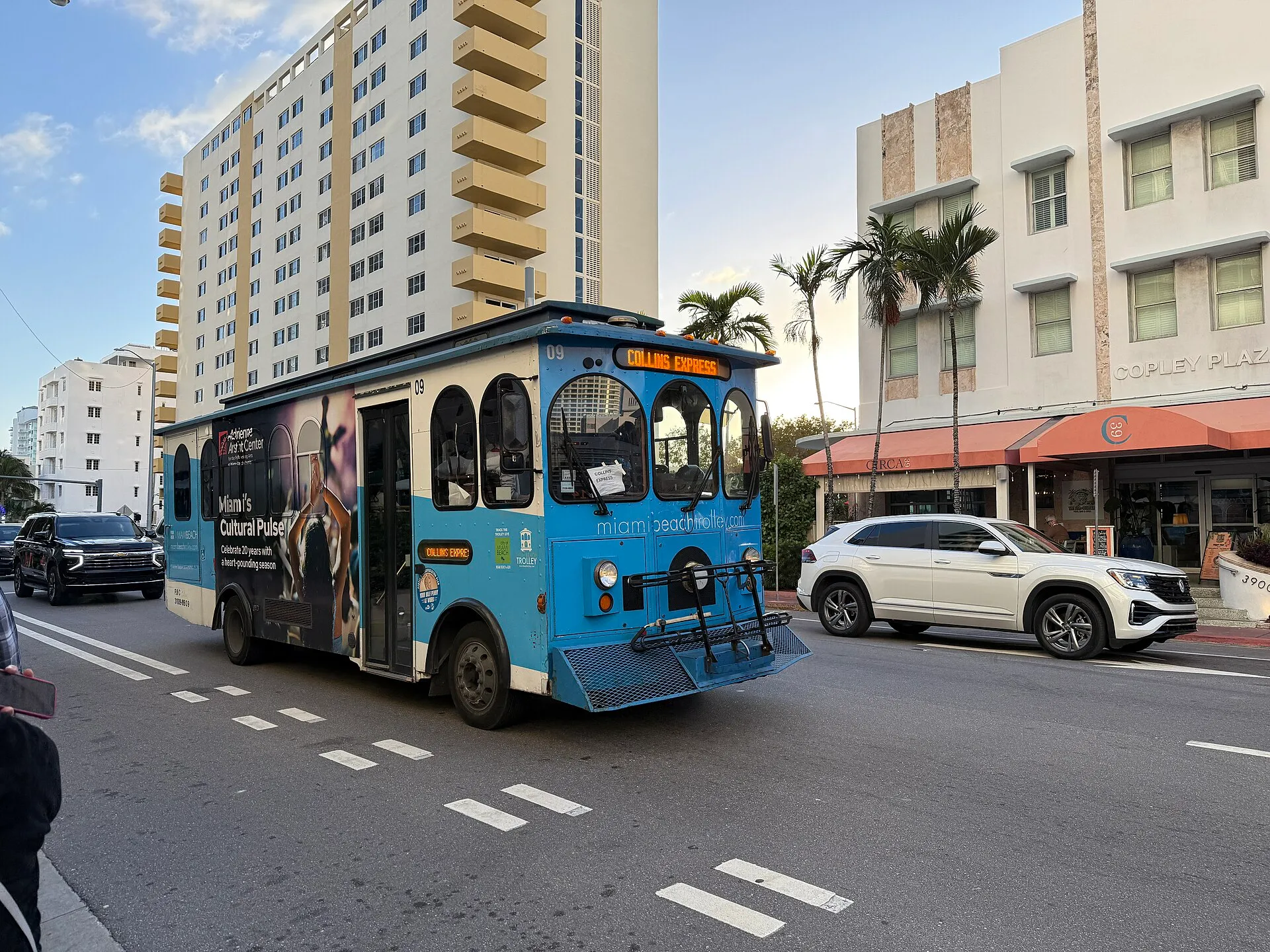 Miami Beach Trolley along Collins Avenue, tracked live on the Transit app. Photo: Dough4872, Wikimedia Commons, CC BY-SA 4.0.
Step-by-step setup before you fly
- Buy and install on home Wi-Fi: Purchase your plan in the Saily or Nomad app 24 hours before departure and follow the one-tap install (or scan the QR code). Installation requires an internet connection, so do it before leaving home rather than trying to connect on busy airport Wi-Fi.
- Label the line: Name the new eSIM “USA Travel” in your phone’s cellular settings so you do not confuse it with your home line.
- Keep it off until landing: Leave the USA eSIM turned off until your flight touches down at MIA or FLL. Saily’s validity clock starts when the eSIM first connects to a US network (or after 180 days), and Nomad’s starts on first connection (or after 60 days).
- Switch data on after landing: In Settings > Mobile Data / Cellular, set Mobile Data to USA Travel, turn Data Roaming ON for the USA Travel line, and turn Data Roaming OFF on your home SIM. Also turn off “Allow Mobile Data Switching” so your phone never falls back onto your home SIM’s roaming tariff.
What about airport Wi-Fi and physical SIM cards?
Miami International Airport (MIA) and Fort Lauderdale Airport (FLL) both provide free terminal Wi-Fi (ad-supported at MIA), which is handy if you need to activate an already-installed eSIM or message a hotel. Physical tourist SIM vending machines inside US airports typically charge $40 to $60+ for short-term plans, making a pre-installed eSIM both faster and noticeably cheaper.
Once you are online at the airport, follow MIA and FLL airports to Miami Beach to get to your hotel, use Miami public transport to ride the free Metromover and Miami Beach trolleys, and keep money in Miami handy for your first dinner bill.
Common questions
Do I need an eSIM to visit Miami?
If you live in the United States, your domestic plan already works in Miami. If you are visiting from the UK, Europe, Canada, Australia or elsewhere, home-network daily roaming passes often cost $6 to $12 per day unless your plan explicitly includes US roaming. A prepaid USA travel eSIM starts from $3.99 for 1 GB or $8.99 to $13.99 for 3 GB to 5 GB over 30 days.
Which phones work with a USA eSIM?
Apple lists the iPhone XS, XS Max, XR and later models (excluding dual physical SIM models made for mainland China and certain Hong Kong and Macao models). Most recent Google Pixel (Pixel 3a and later) and global Samsung Galaxy S20 and later models also support eSIM. Your phone must be carrier unlocked.
Does a USA travel eSIM include a US phone number for calls and texts?
Standard travel eSIMs from Saily and Nomad are data-only plans without a US voice number or SMS. Use WhatsApp, FaceTime, iMessage or Messenger over mobile data, and keep your home SIM active for receiving incoming verification texts (with data roaming turned off on the home line).
Which US mobile networks have the best coverage in Miami and the Florida Keys?
AT&T, T-Mobile and Verizon all deliver strong 5G and 4G LTE coverage across Miami, Miami Beach, Brickell, Wynwood and MIA airport. If you are driving to Key West or Everglades National Park, AT&T and Verizon generally hold steadier rural signal along US-1 and the Overseas Highway, though deep inside the Everglades coverage drops for all carriers.
When should I install my USA eSIM?
Buy and install the eSIM on home Wi-Fi the day before you fly. Leave the travel line switched off until your plane lands in Miami or Fort Lauderdale, then switch it on for mobile data with data roaming enabled on the eSIM line.